Gym Managers: Save 12 Hours Weekly With Demand Driven Staff Scheduling
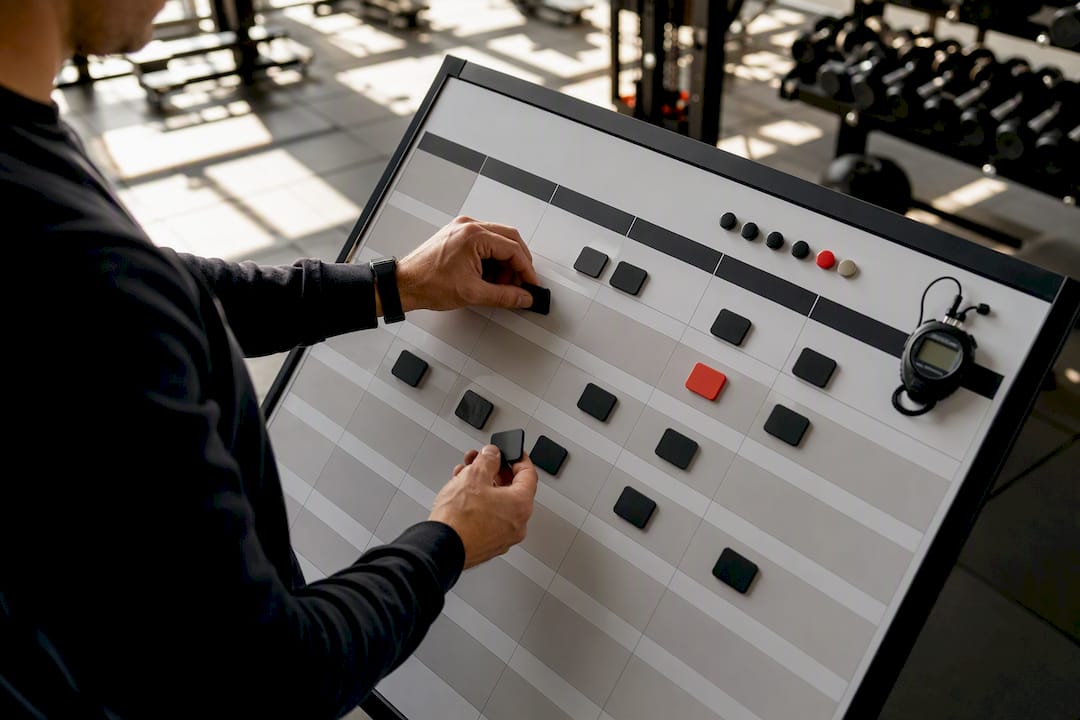
The fastest way to stop scheduling chaos is to match staff to demand using role-based shift templates, then run the whole process through a scheduling-enabled gym platform instead of a spreadsheet. This cuts the two costs that actually hurt: idle labor during slow hours and coverage gaps during your rush. Doing both helps payroll track attendance accurately.
TL;DR:
- Staff scheduling software must enforce role and certification rules to prevent liability and ensure coverage matches actual member demand and class timings.
- Teams with over 15 employees or multiple locations benefit significantly from automated platforms that centralize scheduling, payroll, and availability management.
- Moving from spreadsheets to integrated platforms reduces scheduling errors, member complaints, and administrative hours, especially when payroll reconciliation is complex.
- A phased implementation, including demand mapping and pilot testing, helps avoid operational disruptions and ensures accurate coverage before full system rollout.
- Using an all-in-one gym management platform like Fitness Flow can increase retention by 27% and save around 12 hours weekly on administrative tasks.
Getfitnessflow
getfitnessflow.com
Simplify Your Gym Scheduling
Fitness Flow brings scheduling, billing, sales, and member engagement together, helping gym owners reduce administrative work and manage operations more smoothly.
Table of Contents
- Why Gym Staff Scheduling Is So Hard to Get Right
- What Gym Scheduling Software Actually Needs to Do
- Manual Rota, Point App, or Integrated Platform: How Do You Choose?
- Have You Outgrown Your Spreadsheet or Basic Scheduling App?
- How to Switch Systems Without the Operational Headache
- How an Integrated Gym Platform Changes the Math
- Running the Schedule Week to Week
- Fitness Flow: One Platform That Covers the Whole Checklist
- Sources
- FAQ
Why Gym Staff Scheduling Is So Hard to Get Right
Labor is usually the biggest line on a gym’s income statement. Staff costs typically run 35% to 50% of total revenue in most fitness facilities, which means a sloppy rota doesn’t just create headaches. It quietly drains margin every single week.
Gym staffing is also more layered than most retail scheduling. You’re not just filling shifts. You’re covering:
- Front desk coverage during open hours, including early mornings and closing shifts
- Group fitness instructors tied to specific class times, not flexible blocks
- Personal trainers with client-specific appointments layered on top of open availability
- Lifeguards or childcare staff where those services operate, often on stricter certification rules
Most managers see the same three failure patterns weekly: double-booked instructors, last-minute call-outs with no backup plan, and staffing levels that don’t match when members actually show up.
What Gym Scheduling Software Actually Needs to Do
A workable system for gym employee scheduling starts with mapping attendance data to build shift templates around your real rush hours, not around convenience. Peak patterns tend to follow a predictable morning and evening rush with a smaller midday wave, and templates built around class start and end times avoid the fractional shift mismatches that plague fitness scheduling specifically.
Beyond demand mapping, the essential features are:
- Availability and open shifts. Staff should update their own availability directly in the system, with open shifts visible and claimable by qualified people.
- Substitute workflows and approvals. A manager should approve a swap in seconds, not chase three text threads.
- Time clock and payroll export. GPS or kiosk clock-ins that flow straight into payroll cut reconciliation time to near zero.
- Mobile alerts. Staff need real-time notifications for open shifts, approved swaps, and schedule changes.
Pro Tip: Restrict open-shift visibility to staff who actually hold the right certification or role. Letting anyone claim a lifeguard or instructor shift just to fill it creates liability problems that cost far more than an uncovered slot.
Manual Rota, Point App, or Integrated Platform: How Do You Choose?
The right tool depends less on gym size and more on how many moving parts you’re juggling. A boutique studio with six instructors on fixed class times has different needs than a multi-location chain running trainers, front desk, and childcare across three sites.
Use these triggers to figure out where you stand:
- Team size. Below roughly 15 staff, a well-organized manual system can still work. Above that threshold, purpose-built scheduling tools start paying for themselves through fewer conflicts and faster coverage swaps.
- Location count. One location tolerates a shared calendar. Multiple locations need centralized visibility so a manager at Site A can see who’s free at Site B.
- Class format variety. Ten class types with different certification requirements need role-based filtering that spreadsheets can’t enforce.
- Payroll complexity. Hourly staff plus commission-based trainers plus part-time front desk means manual payroll matching becomes its own part-time job.
When you’re evaluating any vendor, ask direct questions: Does it enforce role and certification rules on open shifts? Does it export cleanly to your payroll provider? Can staff pick up shifts from a phone without calling the manager? Can you pull your own data out if you switch later?
Run the math before you commit to anything. If a manager spends significant time each week building and fixing the schedule, the labor cost adds up substantially, making scheduling efficiency a financial priority. A platform that cuts that to two hours a week pays for most subscription tiers by itself, before counting the fewer no-show gaps.
Have You Outgrown Your Spreadsheet or Basic Scheduling App?
A few signs tell you the manual approach has hit its ceiling:
- Classes get canceled or under-covered more than once a month, especially in studios relying heavily on professional Pilates equipment where specialized staff scheduling is essential.
- Payroll reconciliation turns into a Monday-morning scramble every pay period.
- The manager spends more than five hours a week building or fixing the rota.
- Members complain about inconsistent instructor availability or front desk gaps.
If two or more of these sound familiar, it’s time to move off spreadsheets. If just one shows up occasionally, tightening your current process might still buy you time.
How to Switch Systems Without the Operational Headache
A clean rollout beats a rushed one every time. Follow this sequence:
- Map demand first. Pull attendance data before building a single template so shifts match real traffic, not assumptions.
- Clean up availability and build a substitute bench. A roster of two to three pre-vetted instructors per class format prevents last-minute scrambling once you go live.
- Pilot with one location or one class type. Communicate the trial window and training plan clearly so staff know what’s changing and when.
- Run payroll in parallel for one full pay period. Reconciling both systems side by side catches rounding errors and overtime miscalculations before they become a payday crisis.
Track two numbers after launch: coverage rate (the percentage of shifts fully staffed) and admin hours spent per week on scheduling.
How an Integrated Gym Platform Changes the Math
Running scheduling inside a full gym operating system, instead of bolted onto separate tools, is where the checklist above actually comes together. Availability management, shift templates built around class times, payroll export, and a branded member app all live in one place instead of four disconnected logins.
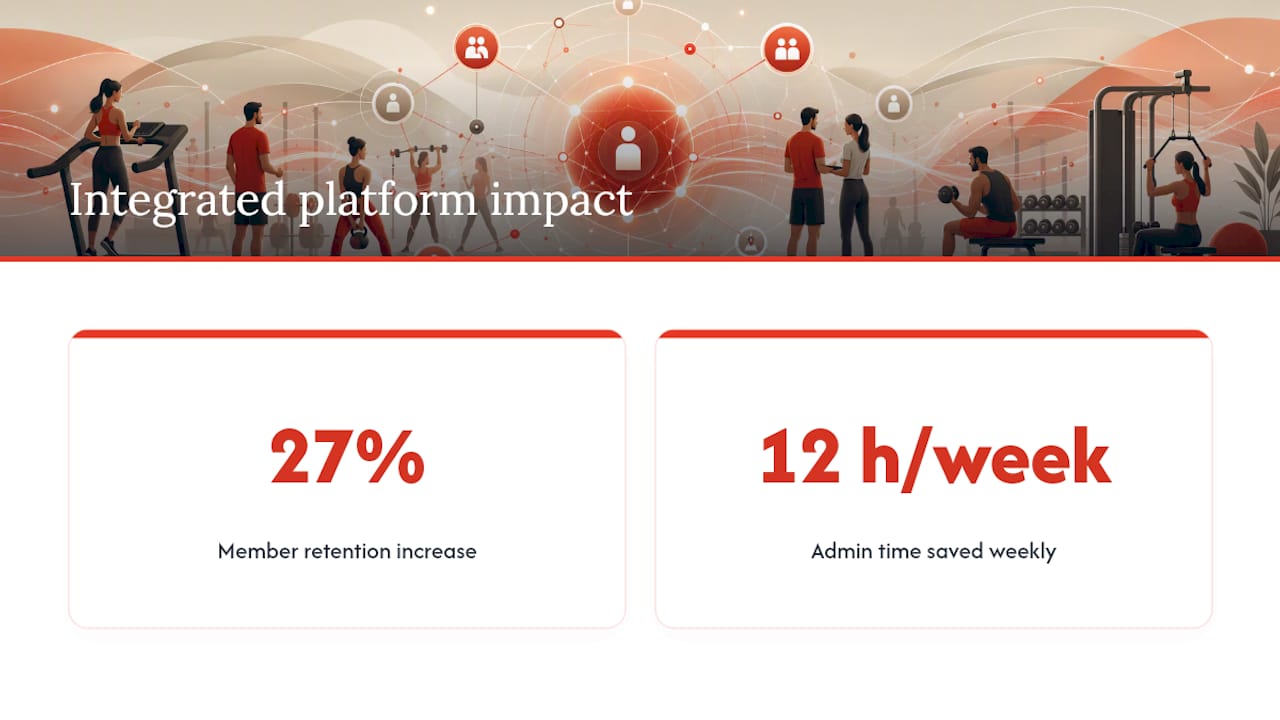
Fitness Flow, an all-in-one gym management platform, reports outcomes consistent with what tighter scheduling should produce: an average 27% increase in member retention and about 12 hours saved weekly on administrative tasks.
When staff availability, class templates, and payroll sit in one system, managers stop reconciling three separate tools every Sunday night. That reclaimed time is what shows up as fewer scheduling errors and more consistent class coverage week over week.
The mechanics line up directly with the criteria in the decision framework above: role-based coverage rules, mobile shift pickup, and a member-facing calendar that reflects staffing changes in real time.
Running the Schedule Week to Week
I publish the rota every Thursday for the following week, and trainers own their own availability updates by Tuesday at the latest. No exceptions, or the whole system backs up. The trade-off is real: giving staff that much control over their own availability means occasional gaps you have to fill yourself, but it beats being the only person who can move a shift.
— Louis
Fitness Flow: One Platform That Covers the Whole Checklist
Fitness Flow is the alternative to running four separate tools for scheduling, payroll, member communication, and retention tracking. Instead of stitching together a scheduling app, a spreadsheet for payroll export, and a separate member app, everything from shift templates to a branded client experience runs through one login.

That consolidation is exactly what produces Fitness Flow’s reported 27% retention lift and roughly 12 hours saved weekly on administrative work. The availability management, role-based shift templates, and payroll export covered earlier in this guide are built into the platform, alongside a member app that offers engagement features between visits. If your current setup is costing you more hours than it saves, request a demo at Fitness Flow to see how the scheduling and retention tools work together for your gym.
Sources
- U.S. Bureau of Labor Statistics — Fitness Trainers and Instructors
- Gym staff management — Rework resources
FAQ
What is the 70/30 rule in gym staffing?
There’s no single standardized rule for gym scheduling. If you’ve seen labor cost guidelines, treat them as rough estimates rather than fixed formulas, since actual staff cost typically ranges from 35% to 50% of revenue depending on the facility.
What is the best gym staff scheduling software?
The right choice depends on team size and complexity: manual systems can work under roughly 15 staff, while larger or multi-location teams typically see better ROI from an integrated platform that combines scheduling, payroll export, and coverage rules, such as Fitness Flow.
How do I make a staff schedule for a gym?
Start by mapping attendance data to identify peak hours, then build shift templates around class start and end times, collect live staff availability, and fill open shifts through an approval workflow rather than manual back-and-forth.
What do staffed hours mean in a gym?
Staffed hours refer to the specific times a role, such as front desk or group fitness instruction, has a confirmed employee scheduled and clocked in, as distinct from the gym’s total open hours.