On-Demand Fitness Library: How to Build One Members Use

An on-demand fitness library is a catalog of recorded classes and programs that members stream whenever they like, inside your own branded app and behind your membership wall. For a gym or studio, it does three jobs: it keeps members training when they can’t get to the building, it gives them a reason to stay, and it can bring in revenue that doesn’t depend on floor space. This guide covers what to put in the library, how to organize it, what to check on music and accessibility, and which numbers tell you it’s working.
Getfitnessflow
getfitnessflow.com
Keep Members Training Between Visits
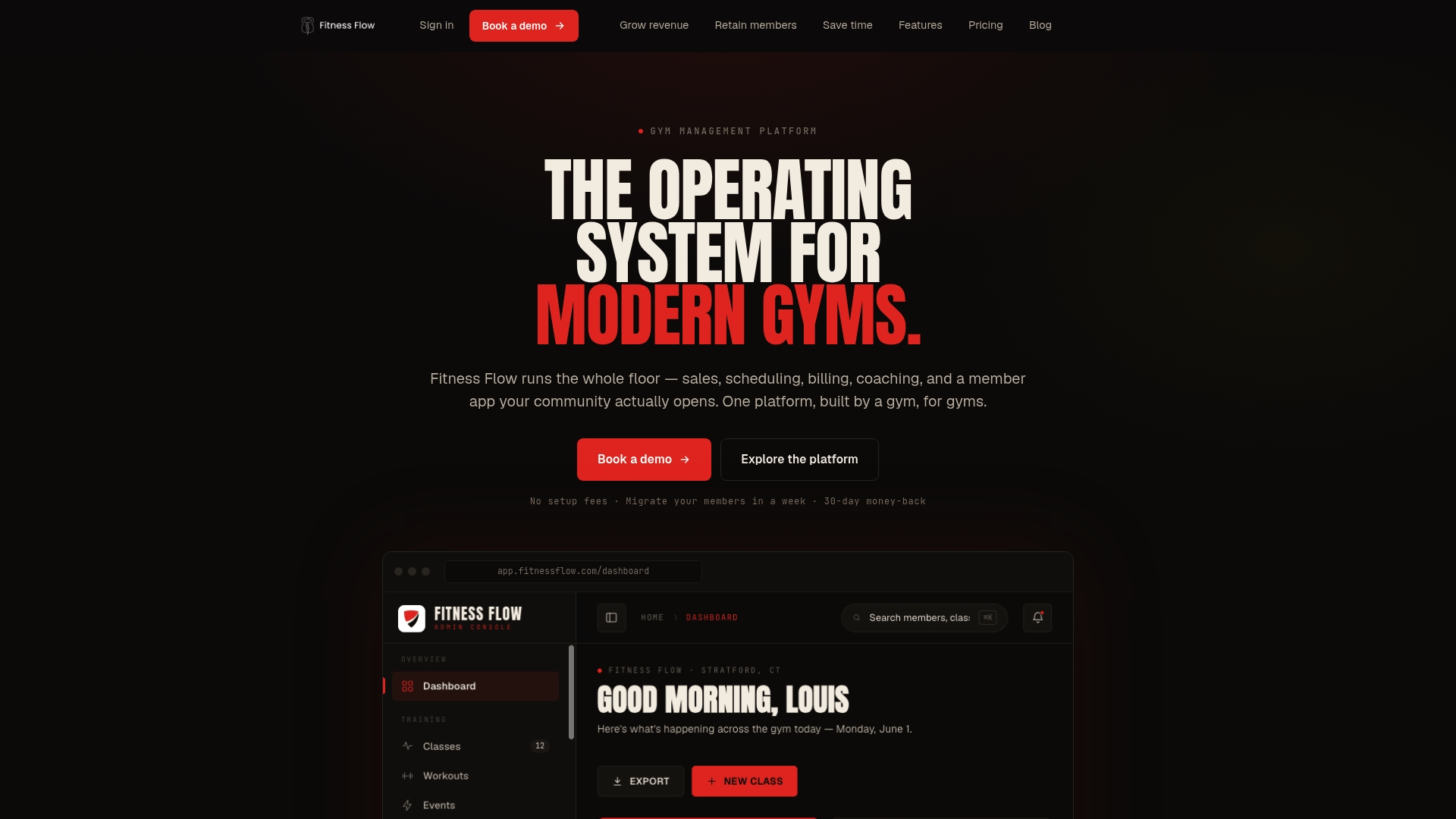
Fitness Flow brings live classes and a branded member app together with gym management tools, helping members stay connected beyond the gym.
TL;DR
- A useful library is a streaming-style catalog, not a folder of videos: varied formats, short and long options, and a beginner path.
- Tag every video by type, duration, difficulty, equipment and instructor so members can find a class in seconds.
- Settle music rights before you film, and make the library usable with captions and assistive technology.
- Track views per title, completion rate, weekly active digital members and churn among digital-only members.
- Fitness Flow puts the library, live classes, scheduling, billing and the branded app in one platform.
Table of Contents
- What an on-demand library does for a gym
- What to put in the library
- How to organize it so members find a class fast
- Filming and production without a studio
- Rules to settle before you publish
- Access, pricing and how it works with live classes
- Perspective
- What to measure
- Build the library on one platform
- FAQ
- Sources
What an on-demand library does for a gym
Think of the library as a second room in your gym that is open 24 hours a day. Members browse recorded classes, save favorites, follow multi-week programs and train from the app, a link in an email, or your booking site. Because it sits on the same platform as your member records, you can see who watches what and tie that back to attendance and renewals.
Members want this. Life Fitness reported in July 2026 that 61% of gym members use on-demand content to work out some of the time, and 58% say having it is a reason to stay at their facility. The same source says 81% of members who don’t use it yet would try it if their gym offered it. These figures come from an equipment maker’s own data, so read them as a signal of demand rather than a promise for your club.
The retention logic is also visible in boutique franchises. Burn Boot Camp’s pairing of in-gym training with an app library is described as a way to keep members engaged and part of the community even when they are not in the building, which helps against suspensions and cancellations. If you want the full playbook from our side, see our on-demand workout library launch guide.

What to put in the library
Start from the member’s day, not from your class schedule. Someone traveling wants 20 minutes in a hotel room. Someone recovering from a tweaked knee wants mobility work. A new member wants a class where nobody is watching. A good library covers all three.
Formats that earn their place
Large operators show the range members expect. Snap Fitness’s app offers over 1,200 on-demand workouts across strength, cardio, HIIT, dance, martial arts, cycling and more, alongside meditations, recipes and meal plans. An independent gym won’t match that count, and doesn’t need to. 24 Hour Fitness’s Reformer24 option shows the other path: a deep library of over 800 Pilates sessions from beginner to advanced, built around one specialty.
For a studio or small gym, a balanced starter set looks like this:
CategoryExamplesWhy it matters
Full-length classes
45 to 60 minute strength, cycling, yoga, HIIT
Your signature product, filmed from your real classes
Express workouts
10 to 30 minute options
The most realistic option for busy weekdays
Beginner content
Foundations, form basics, low-impact
Gives new members a safe first step
Targeted sessions
Core, upper body, lower body
Lets members fill gaps in their week
Mobility and recovery
Stretching, breathwork, restorative yoga
Keeps members active between hard sessions
Instructor collections
One coach’s best classes
Builds loyalty to your people, not just the app
This mix follows the starter-library advice from IPSTUDIO, which also suggests creating variety rather than recording 20 versions of the same workout. Recovery and wellness content has also been called one of the fastest-growing categories in fitness.
How many videos you need at launch
There is no official minimum, and numbers floating around the industry are rules of thumb. A practical target for a first release is enough variety that a member training three times a week doesn’t repeat a class in the first month. That is roughly a dozen to two dozen titles spread across the categories above, followed by a steady weekly addition. Consistency matters more than the launch size: a library that adds something new every week gives members a reason to open the app again.
How to organize it so members find a class fast
A library that is hard to browse is a library nobody uses. Our approach is to tag every title with five fields: type, duration, difficulty, equipment required and instructor. Those five fields make a catalog searchable and also drive drip releases and access rules.
GYM examples show what members expect. GRIT Fitness in Dallas lets members filter workouts by duration, class format, instructor, equipment and date filmed, and a live workout becomes available on demand after it ends. Copy that pattern.
Then add collections on top of the tags:
- 30 Minutes or Less for the time-pressed.
- Beginner for new and returning members.
- Full Body and Strength for goal-driven training.
- Mobility and Recovery for rest days.
- Instructor Collections for fans of a specific coach.
- Most Recent so regulars see what’s new.
Organizing by goal rather than by upload date is the habit that separates a library from a dumping ground. Members rarely think “what did we film in March?” They think “I have 20 minutes and sore legs.”
Filming and production without a studio
You don’t need a production crew. You need consistency.
- Batch your shoots. Film several classes in one session so lighting, framing and sound match from title to title.
- Use bright, even light and keep background noise low. Natural light near a window works well for most spaces.
- Standardize resolution, format and file names before you upload, so the catalog looks tidy and uploads stay fast.
- Record real classes. Filming a live class gives you an on-demand title for free. Our guide to live-first fitness streaming explains how one class can serve both audiences.
- Test on phone, tablet, laptop and TV before you announce anything.
If you’d rather start with live and let the library build itself, our pieces on launching live streaming in a week and livestream fitness classes for studio owners walk through the setup.
Rules to settle before you publish
Music rights
This is the item owners most often skip. Playing music in your club is licensed differently from putting music into a video that members stream. BMI notes that when a trainer creates digital content for an online fitness service, the service would typically need a music license, and it addresses live and on-demand programming specifically. Athletech News makes a related point: online workout routines synchronized to music need their own consideration beyond the in-studio license.
The practical options are to film with licensed production music, to get the specific rights you need for recorded video, or to have instructors teach with minimal or no music. Whichever you pick, decide before filming, because re-editing audio on 30 videos is painful. Our guide on selling on-demand classes covers how studios typically handle this. For anything specific to your setup, an entertainment or IP attorney can confirm what your licenses cover.
Accessibility
A library is a website and app experience, so accessibility applies. The Department of Justice’s 2024 rule under Title II of the ADA requires state and local government websites and apps to meet WCAG 2.1 Level AA. That rule covers public entities, so it applies directly if you run a municipal or public-agency recreation center. For private businesses, accessibility experts describe WCAG 2.1 Level AA as the benchmark courts commonly use in Title III cases. Good habits for a fitness library are captions on spoken instruction, clear titles and descriptions, readable contrast and controls that work with a keyboard or screen reader. Talk to a qualified accessibility consultant or attorney about your own obligations.
Health and safety framing
Members will train alone, without a coach watching their form. Put a short note on beginner and high-intensity titles encouraging members to follow their own doctor’s advice, and give clear regressions and modifications in the class itself. Members with injuries or medical conditions should check with their physician before starting a new program.
Access, pricing and how it works with live classes
You have three common models:
- Included in membership. Brick Bodies, for example, includes its virtual platform in all Signature and Elite memberships and also sells it as a separate membership, with the full on-demand library streamable 24/7 and daily live-streamed classes filmed in the club.
- Digital-only tier. Sell library access to people who never walk in, such as members who moved away or prospects who want a trial of your brand.
- Gated by tier or drip schedule. Release a multi-week program week by week, or reserve premium content for higher tiers.
The model that tends to run smoothest ties the library to your schedule. A live class happens, the recording lands in the library, and the same platform handles the booking and the billing. Our posts on live classes for gyms and member app engagement go deeper on pairing the two.
Perspective
Most gyms that try a library start by buying a video tool and a separate app, then spend months stitching them to billing and the member list. Then the library sits unwatched because nobody is reminded it exists.
We built Fitness Flow around the opposite idea: the library should live in the same place as your schedule, your billing and your member records. When a member books a class, misses it and gets the recording the same day, nothing has to be wired together by hand.
Our approach is designed to put a fully branded app in your members’ pockets, with live and on-demand classes, workout and nutrition planning and gamified features that give them a reason to come back between visits. In our experience across the gyms we work with, that kind of connection is what we aim to turn into retention, and we report a 27% average increase in member retention and about 12 hours saved on admin each week.
If you take one thing from this guide: start small, tag everything, add something new every week, and measure completion. A modest library that members actually use beats a huge one they can’t navigate.
Louis
What to measure
A library you don’t measure becomes a guess. Track five numbers weekly:
- Views per title: shows which content earns its place.
- Completion rate: catches problems earliest, such as a class that’s too long or a weak opening.
- Weekly active digital members: how many people actually use the library.
- Digital ARPU: revenue per digital member, if you sell access.
- Churn among digital-only members: whether the library holds people or just attracts them.
Other operators suggest adding total class starts, repeat users, popular categories, peak usage times and engagement by member segment. Life Fitness also describes using analytics to see which classes get used, on which equipment, and how often, which is the same instinct applied to cardio floors.
Read the numbers against attendance. A member who streams twice a week and still visits is your best advocate. A member who stops opening the app and stops visiting is a retention alert. For a simple way to turn this into action, see our guides on gym analytics for owners and gym cohort analysis.
A simple weekly routine
- Monday: check last week’s top five and bottom five titles.
- Midweek: publish one new class and feature it on the app home screen.
- Friday: review completion rates, then decide what to film next.
- Monthly: retire or re-film titles that no one finishes, and look at digital-only churn.
Build the library on one platform
If you’re weighing tools, the question to ask is whether the library, scheduling, billing and member app talk to each other. Fitness Flow brings those together with live and on-demand classes, a fully branded app, recurring billing, reporting and migration support. Plans are published as Solo at $149 per month and Studio at $349 per month, and Multi-site has no published price. You can see the Solo, Studio and Multi-site plans on our site, or read how Fitness Flow works for gyms.
If you want branded on-demand workouts without building a studio first, our guide on keeping members with branded on-demand workouts shows the lightest way to start.
FAQ
How many workouts does an on-demand fitness library need?
There is no fixed number. Large club apps list over a thousand titles, but a studio can launch with a couple dozen well-tagged classes across formats and difficulty levels. What matters more is a steady stream of new releases and a catalog members can search in seconds.
Do I need a license to use music in on-demand workout videos?
Usually yes, in some form. In-club music licenses and licenses for recorded, streamed video are different things, and licensing bodies such as BMI address on-demand programming separately. Use licensed production music or confirm the exact rights with a music-licensing professional before you film.
Should the library be included in membership or sold separately?
Both work. Including it gives every member a reason to stay, while a separate digital-only tier adds revenue from people who don’t visit. Many gyms do both: included for higher tiers, available as a standalone purchase.
How do I know the library is working?
Watch completion rate, weekly active digital members and views per title, then compare them with attendance and renewals. If members who use the library renew more often, it’s paying off. Titles with low completion tell you what to re-film.
Sources
- Life Fitness: On-demand fitness content and member retention
- Athletech News: Burn Boot Camp’s dual approach
- Snap Fitness USA: the new Snap app
- 24 Hour Fitness: Reformer24
- IPSTUDIO: planning your first month of on-demand content
- Fitness On Demand: content your gym should include
- GRIT Fitness: virtual classes
- Brick Bodies: on-demand virtual fitness program
- BMI: music licensing for fitness and health clubs
- Athletech News: music licensing for gym and studio owners
- SBA Office of Advocacy: DOJ Title II web accessibility rule
- Level Access: ADA requirements for websites
- Wexer: digital fitness playbook for operators